← All apps

Everyday tools · Device app

Studo

Study blocks planned around your exams.

In review

Submitted to Garmin and awaiting review. The store page opens once it is approved.

Most study timers count down twenty-five minutes and leave the rest to you. Studo also works out what to study today and how long you can actually focus, and it keeps running when you walk away from the app.

You enter your subjects with their exam dates and how much is still left, plus the minutes you have on each weekday. Studo turns that into today's plan: which subject gets which block, interleaved instead of one subject all afternoon. After every block you rate it with one tap, and a forgetting curve per subject decides when old material has to come back so it is still there on the exam day. The block length follows you as well: three blocks you sit out and it grows, one block you cut short and it shrinks. On watches with Body Battery it shortens the block when your tank is low.
WHAT IT DOES

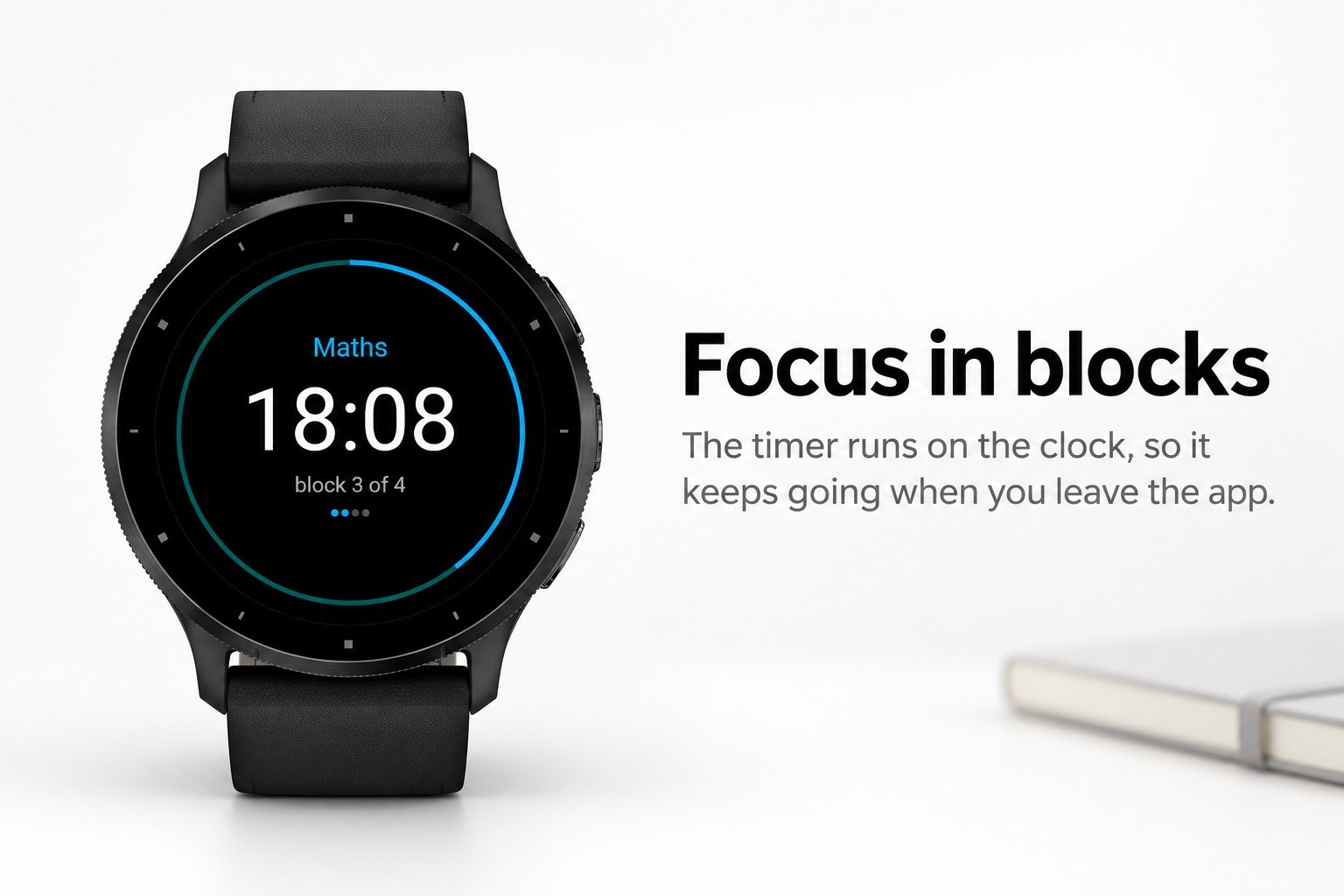
  • Focus blocks and breaks that run on the clock, so a session survives leaving the app, closing it or a restart
  • Today's plan: which subject, how many blocks, in what order
  • A forgetting curve per subject, so week one is still there in week six
  • Block length that adapts to you, using Body Battery and stress where the watch has them
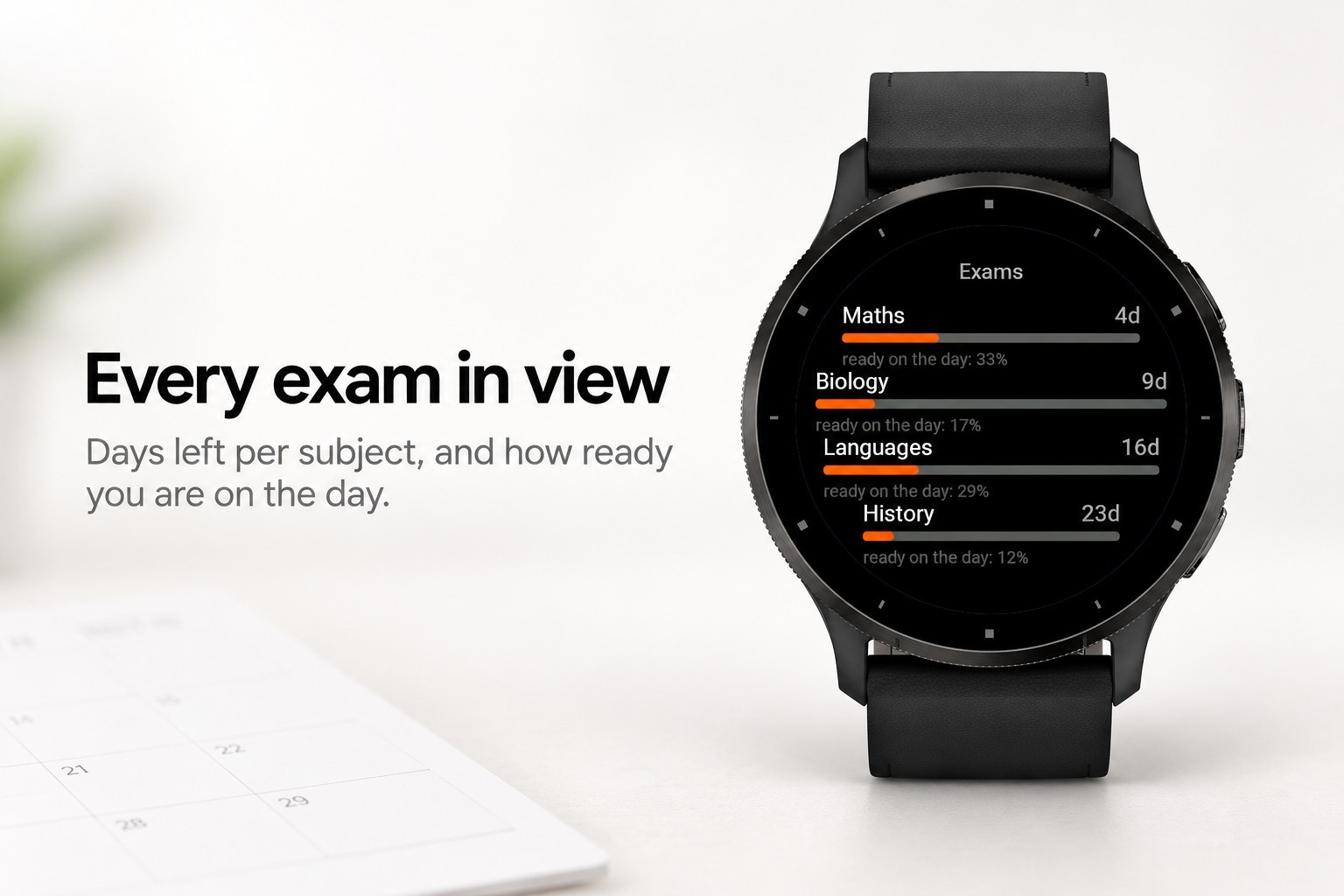
  • Exam list with days left and how ready you are on the day
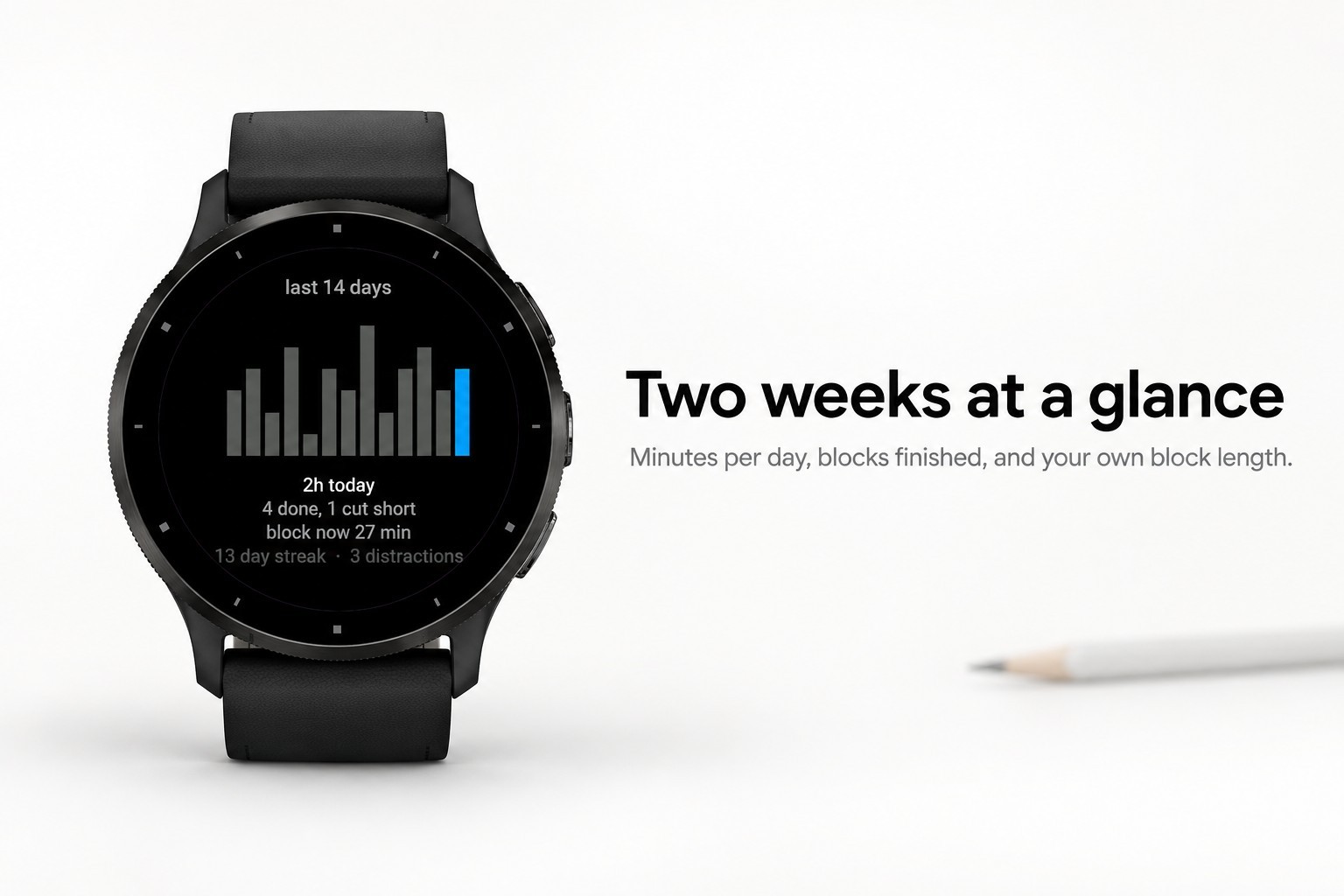
  • Fourteen days of statistics: minutes a day, blocks finished against blocks cut short, your own block length, streak
  • A distraction counter, one tap per slip
  • A long break every few blocks, every length adjustable on the watch itself
  • Four vibration patterns with a test button
  • A plain 25/5 timer mode if you would rather not enter subjects at all
  • Five languages and a glance

WHAT IT NEEDS

  • Nothing. Everything is worked out on the watch: no phone, no account, no internet
  • Body Battery and stress are used where the watch has them; without them the block length still follows how your blocks go